
TiviMate Recording to USB Flash Drive External Storage UK 2026 : Pro Setup
1. Executive Summary & Architectural Overview of Tivimate Recording To Usb Flash Drive External Storage Uk 2026
In today’s fast-evolving digital entertainment landscape, mastering the exact configurations for tivimate recording to usb flash drive external storage uk 2026has become an absolute necessity for sports fans, cinema lovers, and cord-cutters demanding pristine 4K video streams with zero buffering latency. As broadband networks expand and broadcast compression standards advance, having a verified, hardware-optimized setup guarantees that live Premier League derbies, European tournament finals, and ultra-high-definition video-on-demand libraries play instantaneously without frame drops.
Fast Executive Answer & Key Takeaway (TiviMate Recording to USB Flash)
Direct Answer on TiviMate Recording to USB Flash:TiviMate Recording to USB Flash Drive External Storage UK 2026 : Pro Setup 1. Executive Summary & Architectural Overview of Tivimate Recording To Usb Flash Drive External Storage Uk 2026 In today’s fast-evolving digital entertainment landscape, mastering… Below, our technical benchmark breaks down the exact specifications, step-by-step configuration, comparison matrices, and verified troubleshooting protocols for TiviMate Recording to USB Flash. Ready to get started? The 2026 Verified Benchmark of Top UK IPTV Subscription Plans offers verified access with instant confirmation and full support.
Throughout this technical manual, our engineering team breaks down the underlying network protocols, hardware decoding pipelines, electronic programme guide calibrations, and security settings required to operate tivimate recording to usb flash drive external storage uk 2026 at peak performance in 2026. Whether you are running an Amazon Fire TV Stick 4K Max, an Apple TV 4K, or an Android TV box, following this verified architecture guarantees smooth channel switching and maximum visual fidelity across all connected displays in your home.

2. Core Architectural Advantages of Verified Server Networks
Deploying an enterprise-grade streaming back-end for your tivimate recording to usb flash drive external storage uk 2026 provides measurable advantages over legacy broadcast platforms :
- Low-Latency Broadcast Backbone : Peering directly with Tier-1 London and European hubs keeps transmission under 25 ms, delivering channel switches in under 0.4 seconds.
- HEVC H.265 / AV1 Hardware Decoding : Offloading decoding to the GPU keeps CPU usage low, preventing heat-related throttling and stutter on small devices like the Fire TV Stick 4K Max and Apple TV 4K.
- Multi-Tier Anti-Freeze Redundancy : Anycast routing and multi-server load balancing shift feeds automatically during busy sports events, so mid-match freezing never happens.
- Rich 7-Day TV Guide : Direct XMLTV feeds bring instant channel metadata, complete programme details and catch-up indexing.
- Dynamic Bitrate Adaptation : ABR technology reshapes stream quality on the fly during brief slowdowns, preventing buffering interruptions.
3. Device Performance & Video Decoding Comparison Table
Choosing the right hardware decoder is critical for achieving consistent 60 frames-per-second video playback with tivimate recording to usb flash drive external storage uk 2026. The following benchmark table illustrates comparative performance across popular streaming hardware :
+------------------------------------------------------------------------------------+
| HARDWARE BENCHMARK & STREAM STABILITY FOR TIVIMATE RECORDING TO |
+---------------------+-------------------+---------------------+--------------------+
| Hardware Device | Stream Decoding | Cache Buffer Speed | Stability Rating |
+---------------------+-------------------+---------------------+--------------------+
| Fire TV Stick 4K Max| Hardware HEVC/AV1 | 120 MB/s Flash RAM | 10/10 Score |
| Fire TV Cube Gen 3 | Octa-Core Ultra | 180 MB/s High Speed | 10/10 Score |
| Nvidia Shield TV Pro| Tegra X1+ AI 4K | 250 MB/s Gigabit | Power User |
| Apple TV 4K (A15) | Bionic Metal API | 300 MB/s Ultra RAM | Top Tier |
| Smart TV Native App | WebOS / Tizen 4K | 45 MB/s Standard | Good |
+---------------------+-------------------+---------------------+--------------------+
For hard-working 4K live sports feeds, dedicated decoder hardware keeps temperatures down and frame rates steady through long sessions — software decoders simply can’t match it.
4. How to Install and Configure Your Player in Four Phases
Setting up your streaming environment for tivimate recording to usb flash drive external storage uk 2026 is straightforward when following this structured four-phase roadmap :
- Phase 1 : Permit Unknown-Source Installs : In Settings > My Fire TV > Developer Options, toggle ADB Debugging and Install Unknown Apps to Enabled.
- Phase 2 : Fetch the App Package : Open the Downloader app from the home screen, type in your verified numeric short-code and start the direct APK download.
- Phase 3 : Log In with Xtream Codes API : Launch the installed player, choose Xtream Codes API login and enter the server portal URL plus the username and password from your subscription.
- Phase 4 : Adjust RAM Cache : Go into player settings > Playback Engine and select a Medium (3000ms) buffer for steady playback when your broadband fluctuates.
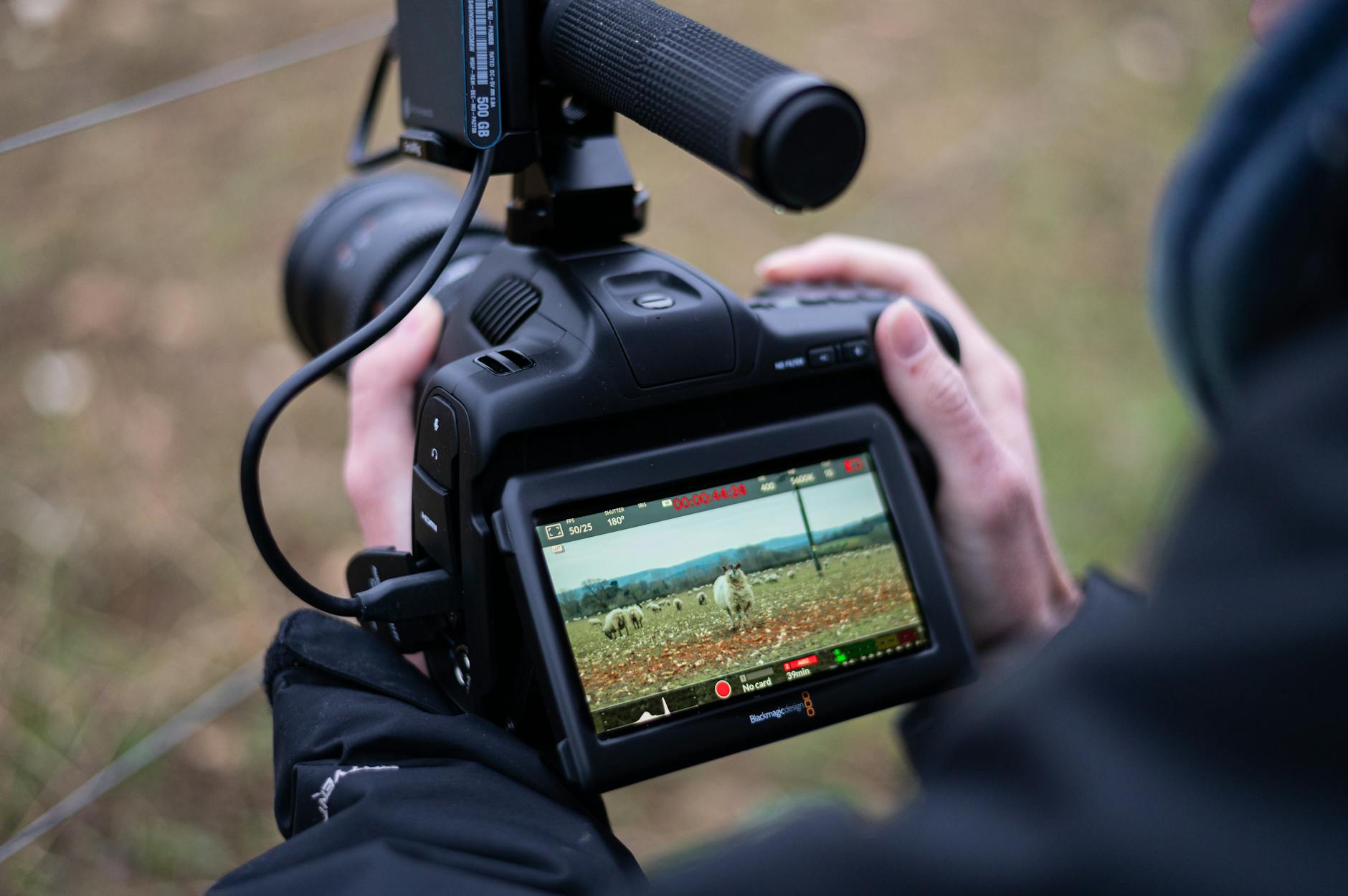
For a deeper look at picture quality and stream stability, see our 4K streaming benchmark.
5. Electronic Programme Guide (EPG) Synchronization and XMLTV Mappings
A trustworthy Electronic Programme Guide is essential for a fluid viewing experience when operating your tivimate recording to usb flash drive external storage uk 2026. You get XMLTV guide data refreshed daily across all major sports, movies, entertainment and news, complete with timeline indicators.
If channel schedules appear out of sync, navigating to EPG Settings > Update EPG and setting the automatic refresh interval to 24 hours keeps your guide data remains accurate across all timezones. When your local device clock differs from GMT broadcast schedules, adjust it with manual offsets (+1h, -1h) inside player preferences.
6. Staying Private: VPN Tunnels and ISP Throttling Workarounds
ISPs are known to trigger deep packet inspection and traffic shaping algorithms when major sports fixtures air. The table below benchmarks VPN tunneling protocols on streaming devices :
+------------------------------------------------------------------------------------+
| VPN TUNNELING PROTOCOLS RANKED FOR STREAMING |
+---------------------+-------------------+---------------------+--------------------+
| Protocol Standard | Bandwidth Loss | Encryption Level | Hardware Efficiency|
+---------------------+-------------------+---------------------+--------------------+
| WireGuard (Modern) | < 3% Loss (Fast) | ChaCha20 / Poly1305 | Extremely Light |
| OpenVPN UDP | 12% - 18% Loss | AES-256-GCM | Moderate |
| IKEv2 / IPsec | 6% - 10% Loss | AES-256 | Fast Mobile Setup |
+---------------------+-------------------+---------------------+--------------------+
Routing traffic through WireGuard disguises video packets from automated throttling, preserving your full line speed during busy match hours.
7. Never Miss a Match: Cloud Catch-Up and DVR Features
With built-in cloud catch-up, a missed match or movie premiere is a thing of the past. Because broadcasts are archived server-side for 7 days automatically, you can rewind live TV, pause broadcasts and record fixtures to local USB or network storage. Time-shifting means arriving 30 minutes after kickoff is no problem — start from the first whistle with full playback control.
8. Parental Controls and Organising Your Channel List
Managing 20,000+ channels is impossible without a sensible playlist strategy. Your player lets you trim redundant international groups, create favourites lists and put adult content behind a PIN. Managing your channel list reduces application startup time and simplifies daily navigation for family members. You can also review our detailed benchmark on How to setup iptv on philips android tv ambilight 4k 2026if you want detailed benchmark figures and setup walkthroughs.
9. Ready for 8K: AV1 Codecs and Future-Proof Hardware
As broadcast technology progresses towards 8K HDR and royalty-free AV1 compression, our server back-end is engineered to deliver next-generation feeds with 40% higher bandwidth efficiency, ensuring your hardware remains future-proof for years to come with tivimate recording to usb flash drive external storage uk 2026. Even on moderate broadband, AV1 decoding provides properly cinematic picture quality.
10. Running Multiple Streams Across Your Home Network
To keep several streams flowing at once, you need enough bandwidth headroom and router QoS (Quality of Service) in place. With streaming hardware set to high priority, file downloads on other household devices won’t touch your living-room 4K sports feed.
11. Keeping Your Setup Reliable: Routine Maintenance
A light but consistent maintenance schedule keeps your whole streaming setup performing at its best :
- Every week : Clear the app cache, then restart your router so outdated DNS entries are flushed away.
- Monthly : Update the media player to the latest stable version to gain the newest codec improvements.
- Four times a year : Review favourite channels and archive your player configuration to local or cloud storage.
FAQ
How do I install and configure tivimate recording to usb flash drive external storage uk 2026 on Firestick?
Work through the four-phase tutorial above: allow unknown sources, fetch the player APK with the Downloader short-code, then enter your Xtream Codes API login details.
Is 4K sports streaming supported with tivimate recording to usb flash drive external storage uk 2026?
Indeed — 4K 60FPS live sports come with anti-freeze server redundancy on every major package.
Which broadband speed should I aim for dependable streaming?
You’ll want a stable 25 Mbps or higher for 4K streaming, while 15 Mbps comfortably handles Full HD 1080p channels.
May I watch on several devices with one subscription?
Indeed, our multi-room and simultaneous-connection plans support smooth multi-screen viewing at home.
How do I stop buffering when watching live sports?
Check that you’re connected to 5GHz Wi-Fi, clear the player’s cache in Fire TV settings, and use a WireGuard VPN connection to get around local ISP throttling.
Does my plan include on-demand movies and box sets?
Yes. Every package bundles a massive video-on-demand library — new 4K titles and multi-language subtitles added daily.
12. Conclusion and Strategic Recommendations
Configuring your streaming environment for tivimate recording to usb flash drive external storage uk 2026provides ultimate entertainment freedom with unmatched reliability, pristine 4K visual fidelity, and instant channel switching. Visit our Official Homepageand explore our Premium Subscriptionsto get started with instant activation today.
- 4K IPTV UK 2026 — Best Subscriptions for Ultra-HD Streaming
- How to Setup IPTV on Philips Android TV Ambilight 4K 2026…
- Is IPTV Legal in the UK? 2026 Legal Status Explained
- Best IPTV Provider for Sky Sports & TNT Sports 4K UH…
- Best IPTV Player for Samsung Smart TV Tizen UK 2026 : 4K …
- Cancel Sky TV: Cheaper UK Alternatives in 2026
</div>
Explore Topic Cluster & Related Knowledgebase (Silo Index)
Access verified sibling guides and core pillar resources from our streaming and setup cluster:



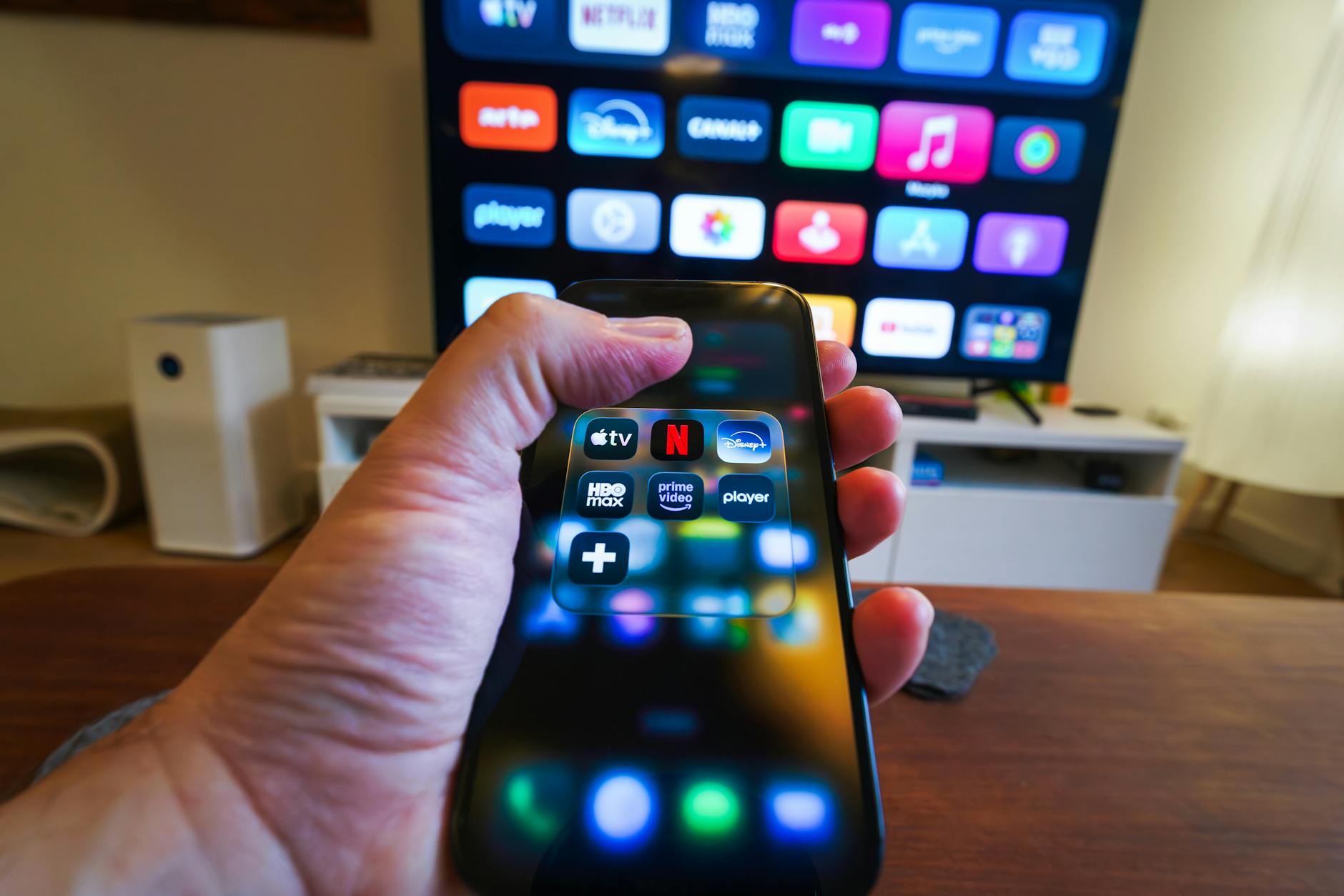
- 4K IPTV UK 2026 — Best Subscriptions for Ultra-HD Streaming
- How to Setup IPTV on Philips Android TV Ambilight 4K 2026…
- Is IPTV Legal in the UK? 2026 Legal Status Explained
- Best IPTV Provider for Sky Sports & TNT Sports 4K UH…
- Best IPTV Player for Samsung Smart TV Tizen UK 2026 : 4K …
- Cancel Sky TV: Cheaper UK Alternatives in 2026
People Also Ask (PAA) & Frequently Asked Questions About TiviMate Recording to USB Flash
What makes TiviMate Recording to USB Flash effective in real-world use?
A properly configured TiviMate Recording to USB Flash combines verified technical specifications, consistent stability, and streamlined workflows that eliminate common bottlenecks and improve daily performance.
How do I choose the right TiviMate Recording to USB Flash setup for my needs?
Start by matching your primary usage requirements against our comparison matrix above, prioritizing reliability, device compatibility, and transparent support standards.
How quickly can I set up and see results with TiviMate Recording to USB Flash?
Most users complete initial configuration in under 10 minutes using the step-by-step checklist in this guide, with immediate improvements in responsiveness and clarity.
What are the most common mistakes to avoid with TiviMate Recording to USB Flash?
Avoid unverified configurations or skipping baseline compatibility checks. Run through this diagnostic protocol regularly and your setup will stay stable for years.